
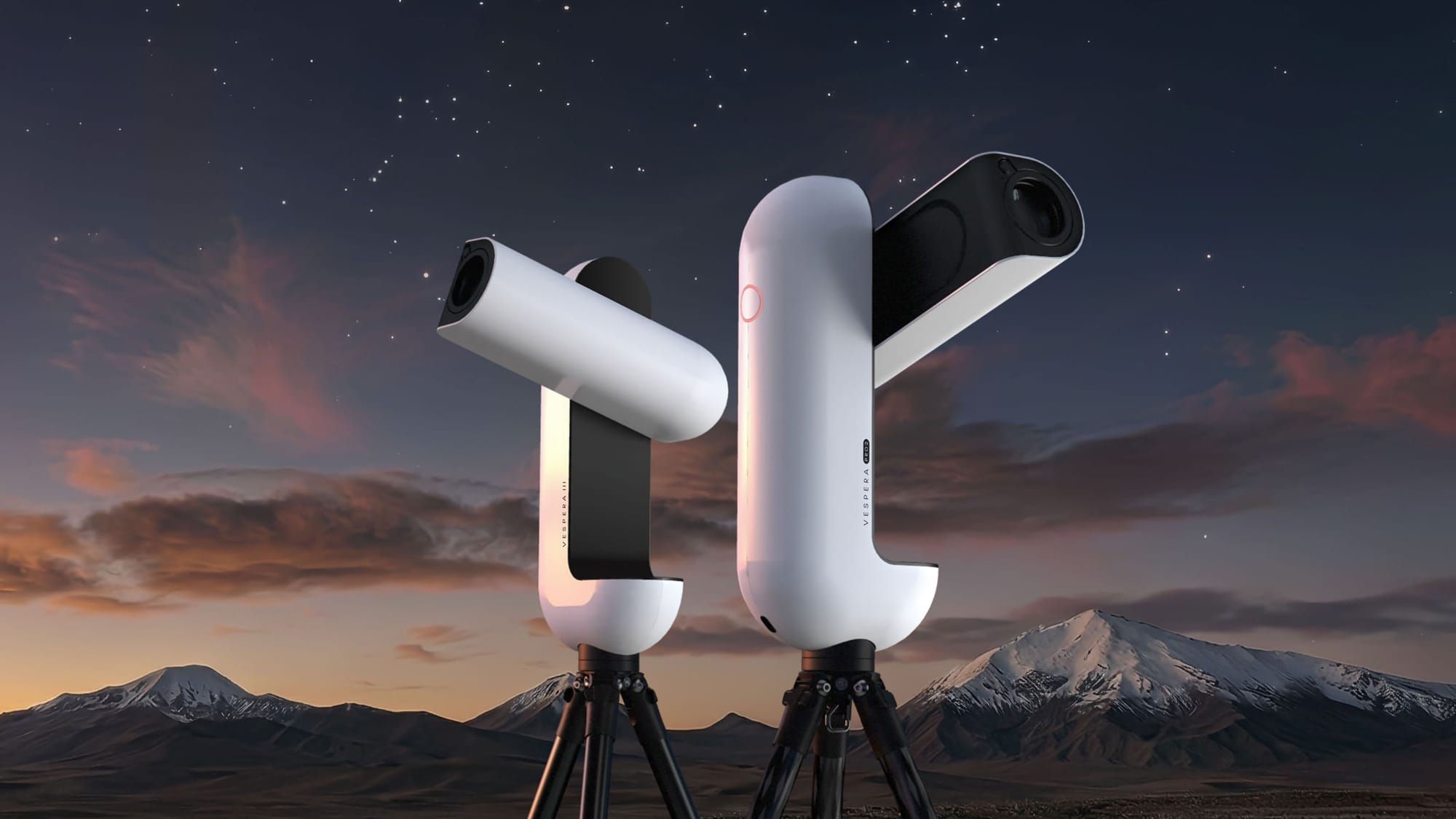
Smart telescopes like the ZWO Seestar, Vaonis Vespera, DWARFLAB DWARF 3, Celestron Origin and Unistellar Odyssey are bringing more people into astrophotography than anything I've seen in years. More and more of my email now comes from their owners asking whether my Mac Observatory apps can work with what their telescope saves. I want the answer to be yes, and the fastest way to get there is to look at real files. So I'm asking smart telescope owners to send me sample data.
Why smart telescopes matter
A smart telescope puts the optics, camera, mount, focuser and computer in one box and runs it all from a phone. You pick a target, it finds it, tracks it and stacks images while you watch. For a lot of people that removes the wall of cables, drivers and polar alignment that kept them out of this hobby.
The catch comes the next morning. Owners want to do more with their data than the phone app allows, and many of the desktop tools they're pointed to were built for Windows first, and for people who already know what a Bayer pattern is. That's the gap I want my apps to fill on the Mac.
How smart telescope files are different
I spent some time going through each maker's documentation, plus forum posts and open source tools that read these files. A few things stood out.
- Raw frames are usually off by default. Out of the box, most of these telescopes keep a processed JPEG, PNG or TIFF of the final stack. The individual raw frames are there if you ask for them: "Save each frame" on the Seestar, the RAW (FITS) image format in Vaonis Singularity, "Save Raw Images" on the Celestron Origin, and Direct Data Download on Unistellar. The DWARF 3 saves every frame without being asked.
- The Moon, Sun and planets mostly come out as stills, not video. Only the Seestar records video. The DWARF, Vespera, Origin and Unistellar save a folder of still images instead, often thousands of already processed JPEGs. One Vespera owner sent me a single lunar session of 2,251 JPEGs.
- Every brand writes its headers a little differently. Some FITS files carry the telescope's pointing and some don't. Some use their own names for focal length and pixel size. A few have had the color pattern labeled wrong in certain firmware versions. These are small things, but they decide whether an app reads your file correctly or shows you a green mess.
Documentation only gets me so far with that last point. The files themselves answer it.
What my apps can do with smart telescope data today
Meridian catalogs FITS and XISF files and identifies each target from the coordinates in the headers. When a frame has no coordinates, which is the case with Vespera files, Meridian can plate solve it with ASTAP if you have it installed. Version 1.0.13 added the first smart telescope profile: a Vespera II now shows up by name, with its focal length and pixel size filled in when the file leaves them out. That profile came straight from files a Vespera owner sent me, and it's the model I want to follow for every other telescope.
Strata stacks SER video and the raw AVI files that ZWO's capture apps write, and it opens single TIFF, PNG, JPEG and FITS images for sharpening and color. What it can't do yet is stack a folder of still images, which is exactly what most smart telescopes give you for the Moon and Sun. Right now the workaround is to convert those stills to a SER file in Siril and stack that in Strata. It works, but it's a step nobody should have to learn.
Where I want to take this
Folder stacking in Strata is next on my list. Point it at the folder your telescope saved, and it stacks the stills. Because most of these telescopes track on an alt-az mount, the Moon slowly turns in the frame over a long session, so Strata has to handle that rotation and not just shift the frames around.
In Meridian, I want every smart telescope to have a profile, so your scope shows up by name and your files get identified and filed without you thinking about it. That also means recognizing the telescope's own stacked image as a finished result, not as one more light frame.
And for deep sky, I'm working on Culmination, a new app that sorts a night of subs into keep, look and reject before you stack. Smart telescopes shoot hundreds of short subs a night, and some of them keep the frames they rejected on disk, so there's real sorting to do.
Send me your smart telescope data
If you own a smart telescope, I'd like a sample. I don't own one myself, so everything I have so far came from owners who shared their files: deep-sky data from a Vespera II, which is how Meridian came to support it, and one lunar session from a Vespera Pro 2. Every other model is still on my list:
- ZWO: Seestar S50, S30, S30 Pro and S50 Pro
- Vaonis: Vespera 3, Vespera Pro, the original Vespera and Stellina, plus deep-sky sessions from the Vespera Pro 2
- DWARFLAB: DWARF 3, DWARF mini and DWARF II
- Celestron: Origin and Origin Mark II
- Unistellar: eVscope, eQuinox, Odyssey and Odyssey Pro
- Others: the MirroSky SkyPilot and Levenhuk's Kelvin Bright smart telescopes
More Vespera II sessions are welcome too, especially the Moon and Sun. Here's what helps most:
- Your telescope model and firmware version, plus the app version you used.
- One deep-sky session, the whole folder exactly as the telescope saved it, raw frames included if you had them turned on, along with the telescope's own stacked image and any small JSON files beside them. Please don't rename, convert or open the files in another app first.
- One Moon, Sun or planet session, whatever the telescope saved, whether that's video, JPEGs or FITS.
- The settings you used: which save options were on, exposure, gain, filter, and whether you were in alt-az or equatorial mode.
- How you got the files off the telescope: the phone app, a USB cable, or a network connection. Exporting through the phone app can compress or change files, so this matters.
How to send it: a session can run to several gigabytes, which is too big for email. Upload the folder to whatever file sharing service you already use, like Dropbox, Google Drive or Proton Drive, set the link so anyone with it can download, and send the share link to support@macobservatory.com. Zipping the folder first is fine if your service makes that easier.
I'll use your files only to build and test support in my apps, and I won't share them.
If you've been wondering whether your smart telescope and your Mac can get along, this is the best way to make that happen. Thanks in advance to everyone who sends something in.