
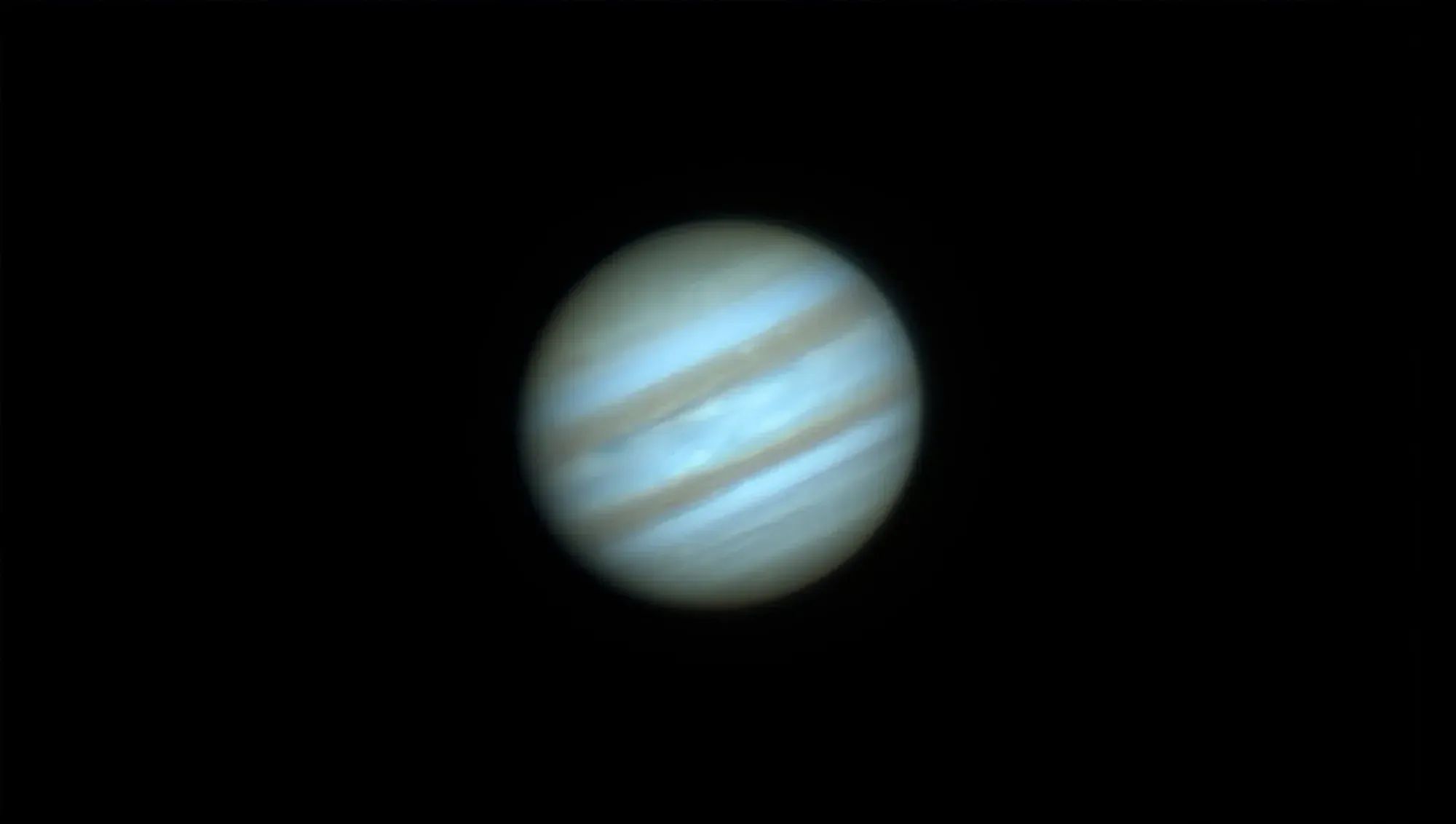
As some of you know I’ve recently put a second telescope out in a remote site. This time StarFront Observatories. In the Discord one day, I noticed a fellow imager Nick Kohrn mention he develops Mac apps. On a whim, I asked him if he wouldn’t mind taking a look at Planetary System Stacker, an open source planetary stacking application that gives on par results to AutoStakkert on the PC. PSS has been around for a number of years, but is a Python based application, which can run on the Mac if you’re familiar enough with the command line to install it. So for a lot of people it’s been out of reach for every day use.
The launcher did what it promised when I tested it in 2024: it installed PSS and got it running without touching the terminal. I have not retested it on a current macOS, so treat that as a 2024 result rather than a promise. Nick is also clear that he did not write PSS and cannot help with problems inside the application itself, only with the launcher.
PSS upstream has gone quiet. The last release on PyPI was July 2023, and issues opened through the end of 2024 are still sitting unanswered. For a Python application that pulls its own dependencies at install time, that is worth knowing before you spend an evening on it.
The bigger issue is the experience. PSS works, but the interface is not native and you have to read the manual to understand how to drive it. That was true in 2024 and it is still true. If you want a Mac app that behaves like a Mac app, there are two native options I would point you to first: Planet Stacker X, which is free and does a genuinely good job of stacking, and Strata, which I build at Mac Observatory.
Nick graciously took a look and found he could make an installer/launcher application for PSS, and it took him only about a day to put it together.
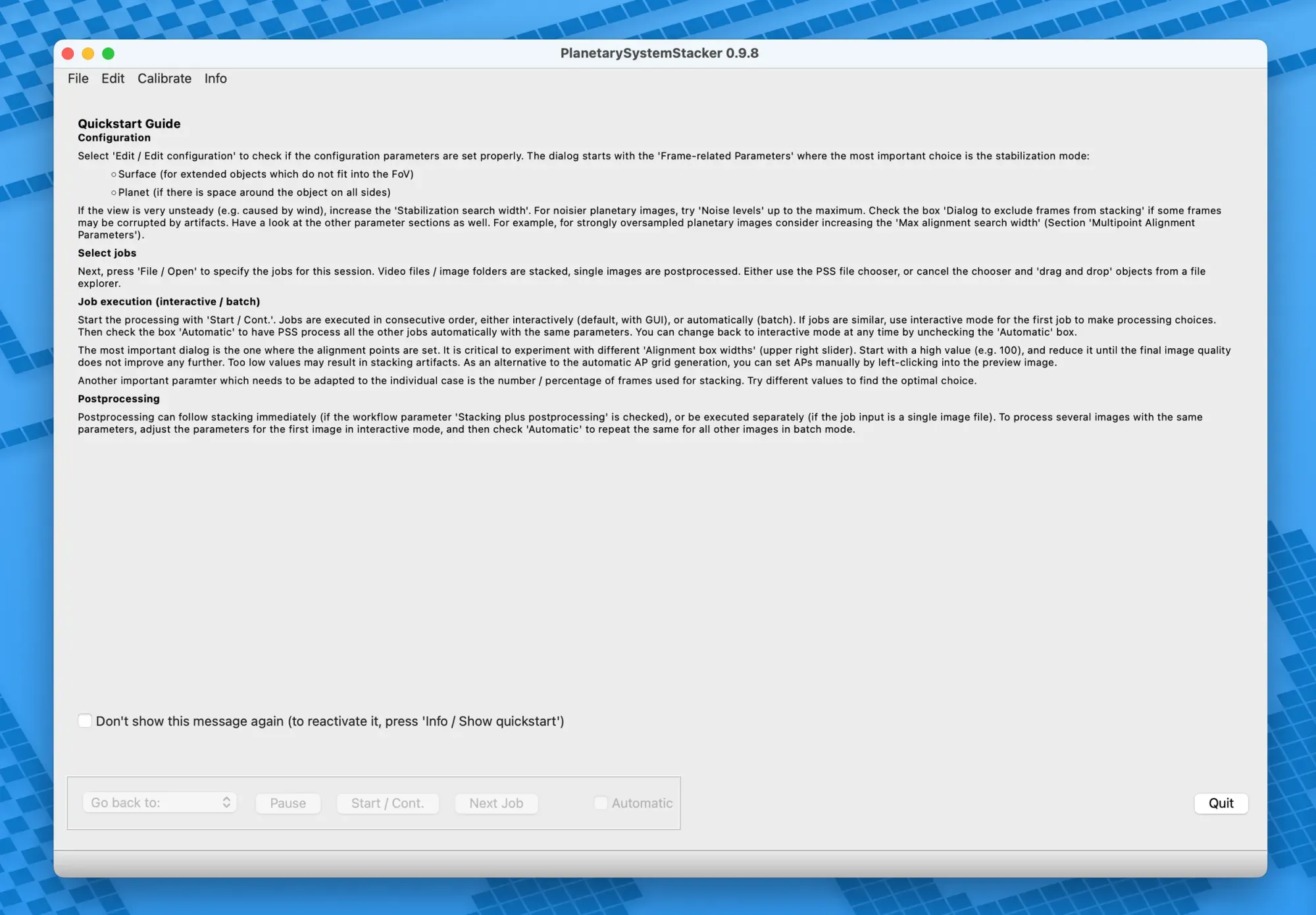
I’m happy to report that it installs and runs smoothly with the click of a button. Instead of downloading the original PSS files and installing all the dependencies through the terminal, you only need to download the ZIP of Nick’s launcher and place it in your applications folder.
Follow Nick’s guide to approve the Mac app in Apple’s security settings, and then the installer takes over. It does take about 5-10 minutes for the initial install, but post installation launches are immediate.
I also HIGHLY recommend you follow Rolf Hempel’s PDF documentation for how to use the application, there’s a slight learning curve to achieving the best results.


