
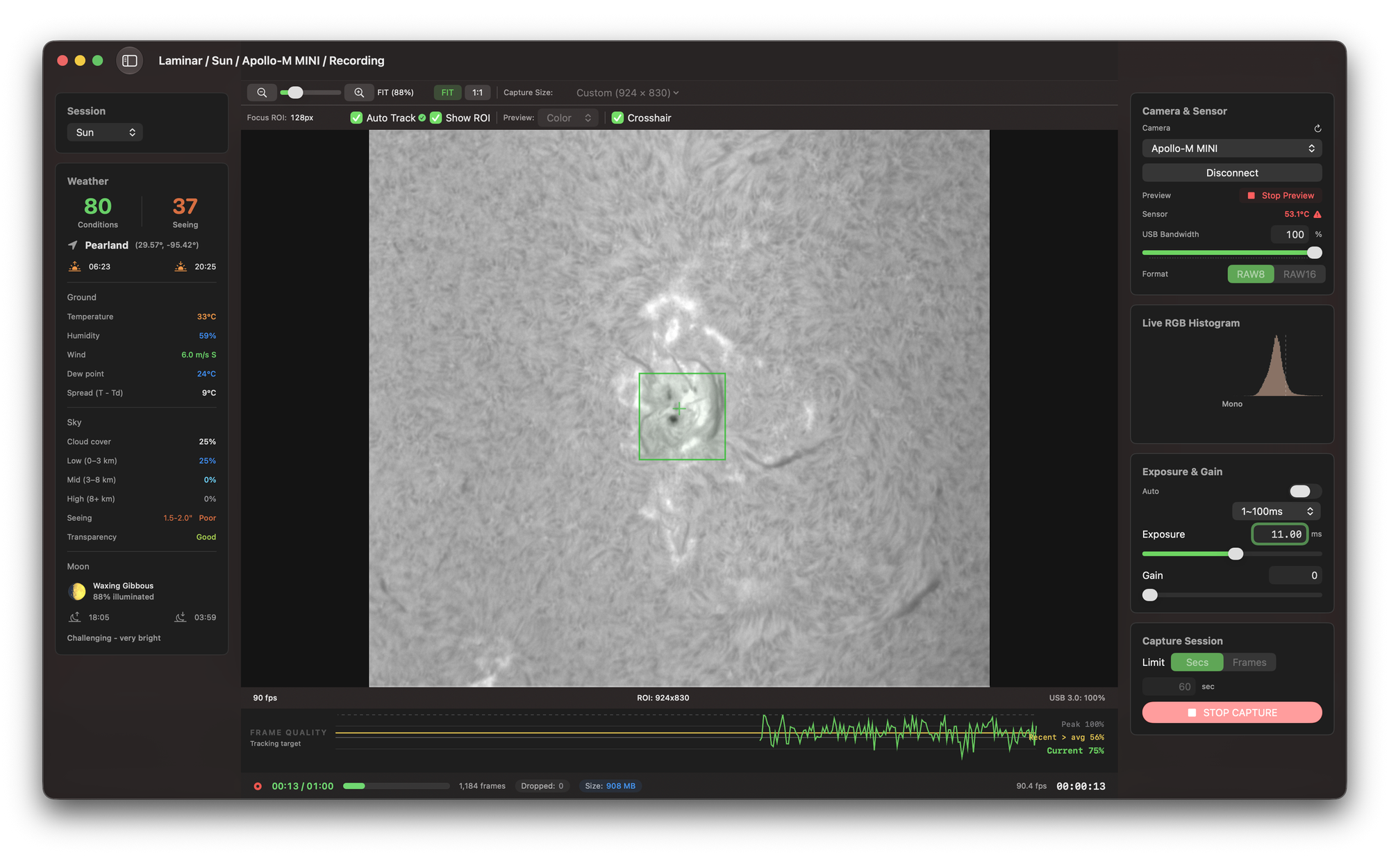
Laminar has shipped eight updates since the 1.5.0 calibration release, on a roughly weekly cadence. If it has been a few weeks since you opened the app, here is what you missed: a new fully supported camera family, real disk-speed intelligence built into the capture panel, and a round of performance work you can feel the moment a preview starts.
None of it changed the price. Laminar is still a one-time purchase, and every item below is a free update on the Mac App Store.
QHY is now a fully supported camera family
QHY started as a Beta backend. Sub-frame ROI capture was the one feature keeping it there, and now that it works, QHY moves to full production alongside ZWO, PlayerOne, ToupTek and its OEM rebadges, and SVBONY. Cropping down to a planet-sized region is where planetary frame rates come from, so this is the difference between "it connects" and "I would actually image with it."
Sub-frame ROI capture was the last piece missing, and it is here now. On my QHY5III715C a cropped recording held a steady rate with zero dropped frames.
Laminar now knows how fast your drives are
This is my favorite addition of the whole run. Sustained write speed is the real ceiling on high-frame-rate capture, and until now you had to find that ceiling by trial and error. Laminar now measures each of your drives quietly from your own recordings and plans around what it learns.
Performance you can feel
Version 1.5.7 shipped a large internal rebuild of the capture engine. The short version: the busy work of a live session — recording stats, sensor temperature, the histogram — no longer competes with the parts of the window you are actually touching. Region-of-interest dragging and slider changes stay smooth at high frame rates, and recording starts instantly even on slower external drives. If the interface ever felt sticky to you before, open it again.
More from this cycle
1.5.8 includes a reliability pass on calibration, covering how masters are matched and how hot pixels are detected on very clean, low-noise darks. If you have darks or flats from an earlier version, recapture them on 1.5.8 to pick up the improvements. Shoot darks at the gain and exposure you actually image at, and shoot flats at full frame.
All free, and the cadence continues
Every update here is free on the Mac App Store, and I am not slowing down. If something is not working the way you expect, or there is a feature you want to see next, I read every message.
Clear skies,
Andrew