
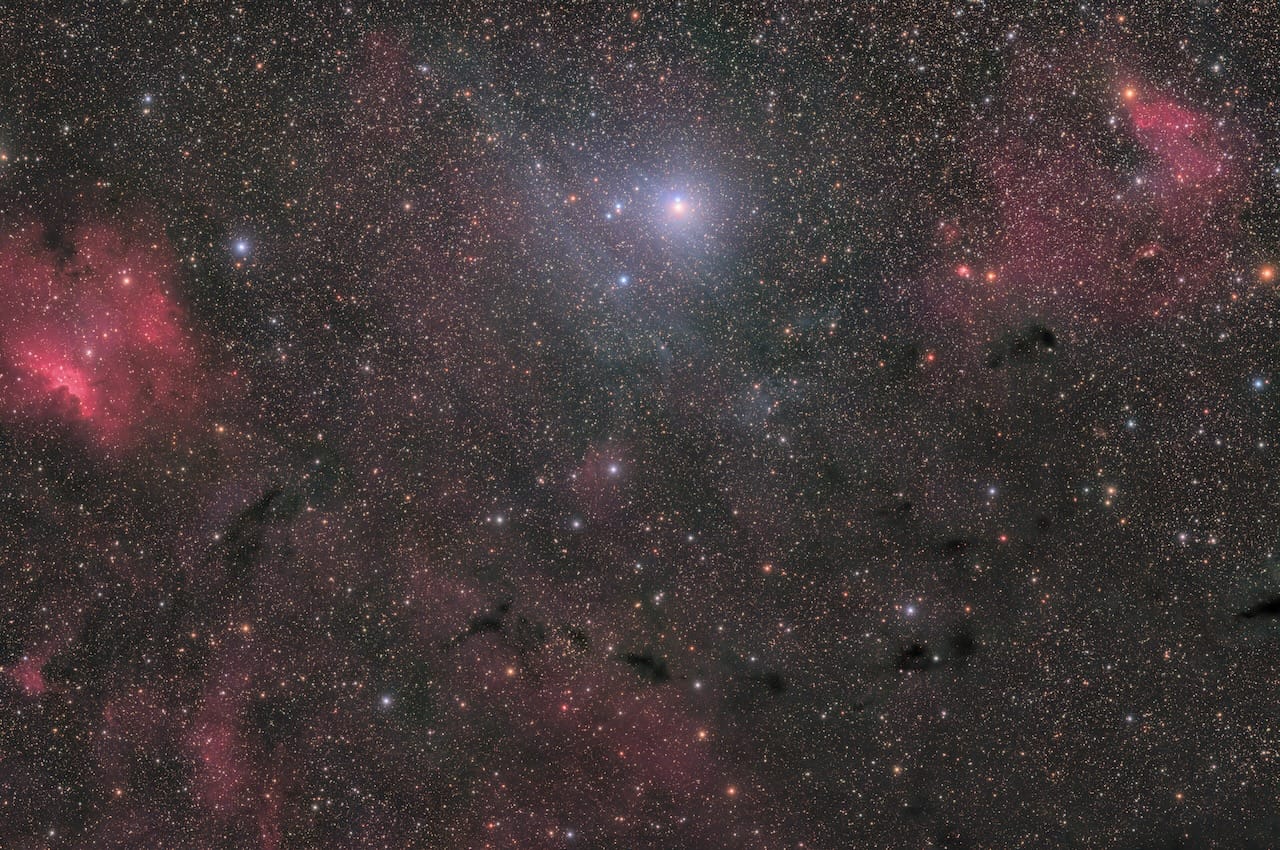
The full identification workflow — plate solving, catalog queries, and one-step annotation — runs natively on every Mac.
Identifying an unknown object in a deep-sky image requires two steps — plate solving to pin down the sky coordinates, then catalog cross-reference against databases like SIMBAD or HyperLeda — and every tool in that workflow runs natively on macOS. This guide covers exactly that workflow, using three free applications: ASTAP, Astrometry.net, and Seti Astro's What's in My Image (WIMI). Whether you're a Mac-native astrophotographer who stumbled on something unexpected or just want to know what's lurking in the background of every image you've taken, this is the process.
The scenario is familiar. You spend a night on M51 — 190 frames at 30 seconds each, your DSLR running cold — and when you stack and stretch the result, there's something in the corner. A faint smear. Maybe two of them. You open Stellarium and click around the area. Nothing. SkySafari confirms the void. You search "faint galaxy near M51" and get a thousand Hubble images of the main event, nothing about the background object you're actually looking at. This isn't a failure of your software instincts. It's a genuine gap between what consumer planetarium apps cover and what's actually in the sky.
Why Your Planetarium App Isn't Enough
Stellarium, SkySafari, and Cartes du Ciel are excellent for planning sessions and identifying the objects you already know you're shooting. They cover the Messier catalog, the NGC, the IC — the canonical lists that most visual observers ever need. But these lists represent a tiny slice of what's actually catalogued, let alone what's physically out there.
The faint background galaxies in your field — the ones with PGC or LEDA numbers, or designations in the MCG or UGC — live in databases that consumer apps simply don't include. HyperLeda alone contains 2.19 million galaxies. The NGC has around 8,000 entries. There's a meaningful difference between those two numbers, and it explains a lot of "what is that?" moments.
What you need is the sky coordinates of the mystery object — its precise right ascension and declination. With those in hand, you can query databases that consumer apps never touch. The process of extracting coordinates from an image is called plate solving: matching the star patterns in your image to a reference star catalog to determine the exact RA/Dec of every pixel in the field. That's where this workflow begins.
The Toolbox — What Each Tool Does
Three tools do the heavy lifting here, and they're genuinely complementary rather than competing.
ASTAP — full name Astrometric STAcking Program — is a free, open-source stacking and plate-solving application developed by Han Kleijn, available natively on macOS including Apple Silicon, that solves FITS, RAW, JPG, PNG, and TIFF images locally using downloadable star and galaxy databases. It's the workhorse of this workflow: fast, offline-capable, and able to annotate your images directly with catalog IDs including faint PGC numbers.
Astrometry.net is a free online blind plate-solving service developed at the University of Toronto and later maintained by the astronomy community, which determines sky coordinates for any astronomical image without requiring any prior knowledge of where the telescope was pointed. Upload an image; get back coordinates. No configuration needed.
What's in My Image (WIMI) is a free standalone application developed by Frank Tyson (known as setiv2 on Cloudy Nights), available for macOS, Windows, and Linux, that plate-solves an image and automatically cross-references all detected objects against multiple astronomical catalogs — surfacing galaxy names, nebula designations, and catalog IDs in a single interface. It began as a popular PixInsight script and was released as a standalone tool in November 2024.
The decision hierarchy is straightforward. WIMI is the fastest path for desktop identification — one step, internet connection required. ASTAP is the choice when you're working offline or want deep local annotation control. Astrometry.net is the fallback when nothing else solves. They're tools for different moments in the same workflow.
Setting Up ASTAP on Your Mac
Download ASTAP from SourceForge. There are separate packages for Intel and Apple Silicon — if you're on any M-series Mac, download the M1 .pkg specifically. The performance difference is substantial: documented testing shows the Apple Silicon binary stacking 80 LRGB files in 19 seconds versus 450 seconds under the Intel binary. The same advantage carries through to plate solving.
Mac installation has two friction steps that Windows users never encounter. First, after running the .pkg, go to System Settings → Privacy & Security, scroll to the bottom, and approve ASTAP. Second — and this catches people — open Terminal and run this command once:
` codesign --force -s - /Applications/ASTAP.app/Contents/MacOS/astap `
That's it. A 30-second step you do once. After that, ASTAP behaves like any other Mac application.
On M4-generation Macs, macOS may block ASTAP on first launch even after approving it in Privacy & Security. If the application fails to open, run this command once in Terminal: codesign --force -s - /Applications/ASTAP.app/Contents/MacOS/astap — then relaunch. This is a one-time step and does not affect ASTAP's performance or integrity.
Once ASTAP is running, you need to install at least one star database. ASTAP uses field-of-view to determine which database tier is appropriate:
- D05: Wide-field rigs (field of view between 0.6° and 20°) — Askar FMA135 at 540mm, short refractors
- D20 or D50: Mid-range setups (100mm class refractors at 600–900mm focal length)
- D80: Long-focus systems (field of view down to 0.15°) — Celestron EdgeHD 11 at 2800mm
For the object identification use case specifically, also download the HyperLeda database. This is ASTAP's annotation layer for galaxies, covering 2.19 million objects extracted from leda.univ-lyon1.fr. The difference in annotation density between a standard star database and HyperLeda-enabled annotation is dramatic — the PGC numbers that appear on your background galaxies come from here.
Solving and Annotating an Image in ASTAP
ASTAP accepts FITS, JPG, RAW, TIFF, and PNG — so if you processed your final in Siril and exported a TIFF or JPEG, you can feed it directly to ASTAP without any conversion. That covers the DSLR scenario perfectly. No intermediate steps.
The annotation workflow is: open your image in ASTAP → go to File → Solve & Annotate → select your star database → solve. ASTAP matches the star pattern, locks in the WCS coordinates, and overlays catalog IDs directly on the image. NGC and IC objects get labeled. With HyperLeda enabled, PGC numbers appear on background galaxies that would otherwise be anonymous smears.
When you spot something unlabeled — a faint object with no catalog overlay — use ASTAP's coordinate readout to note its RA/Dec. Hover the cursor over the object and the coordinates display in the status bar. Write them down, or copy them directly. That's the number you need for the next step.
Using Astrometry.net When ASTAP Can't Solve
Some images defeat ASTAP — very short focal lengths with extreme star density, heavily compressed JPEGs, images taken before you had a star database installed. This is where nova.astrometry.net earns its place in the toolkit.
The blind solver requires no configuration and no prior pointing information. Upload a JPG, PNG, or FITS file; the system matches your star pattern against its reference catalog and returns a WCS-calibrated FITS file, an annotated image, and a list of catalog objects in the field. Click any labeled object on the results page for a direct link to SIMBAD. No account is required for occasional use, though a free account gives you job history and API access.
Solving typically takes 30 seconds to a few minutes depending on server load. This is a post-processing identification tool, not a live mount solution — for that use case, local solvers connected to your capture software are the right choice. But for a processed final sitting on your Mac desktop, Astrometry.net is fast enough.
If you're already working in Siril — which is free, Apple Silicon native, and arguably the best free deep-sky stacking option on macOS — the Astrometry.net integration is built directly into the application. No browser required. You can plate-solve and annotate without leaving your processing environment, which is a meaningful time saver if Siril is already in your workflow. Siril is listed alongside every other relevant option in the Mac Astronomy Software directory.
WIMI — The One-Step Identification Tool
Frank Tyson's "What's in My Image" script built a devoted following inside PixInsight. The question of what was in a given field — not just the main target, but everything — was always a manual research task. WIMI changed that. When Tyson released it as a standalone application in November 2024, available for macOS through the Seti Astro Suite, the reaction from the community was immediate.
The standalone workflow is direct: load your image into WIMI → the tool plate-solves it → cross-references all detected objects against SIMBAD, NED, VizieR subsets, and other catalog sources → overlays identifications on the image → produces a queryable results panel. The whole sequence that previously took four separate browser tabs and manual coordinate entry happens inside one application.
The one practical constraint worth naming: WIMI requires an internet connection for its catalog queries. ASTAP, once you've downloaded the star databases, works entirely offline. For post-processing at a desk with reliable internet, WIMI is the faster path. For astronomers working at a remote site or in the field, ASTAP is the more robust choice. Both workflows reach the same result — they just suit different environments.
For PixInsight users on Mac: the WIMI script remains available inside PI, which runs natively on Apple Silicon. If you're already in PixInsight for processing, the script-based version is worth having alongside the standalone.
The community reception to the standalone release was not subtle.
"Just ran WIMI on a 4-panel mosaic I shot last year. I had no idea there were 23 catalogued galaxies in the field — now every one of them has a PGC number. This is exactly what I needed."
— Cloudy Nights user
"I've been using the PixInsight script for ages but having it as a standalone means I can finally use it without loading up PI just for identification. Huge for my workflow."
— r/astrophotography
"Frank's WIMI script changed how I think about imaging backgrounds. The standalone takes that further — ran it on my entire archive last weekend."
— Stargazers Lounge
Querying SIMBAD When the Tools Come Up Empty
SIMBAD is the world reference database for astronomical object identification, maintained by the Centre de Données astronomiques de Strasbourg, containing 19.5 million objects with cross-identifications, bibliographic references, and measurements for everything outside the Solar System. When ASTAP's annotation produces nothing at a specific coordinate and WIMI returns no catalog match, SIMBAD is the next query.
The workflow is coordinate-based. From ASTAP's readout or Astrometry.net's WCS result, you have an RA/Dec for the mystery object. Go to simbad.u-strasbg.fr → Coordinate Query → enter your RA/Dec values → set a search radius. Start with 1 arcminute to keep results tight, then expand to 5 or 10 arcminutes if you get nothing back. SIMBAD will return every catalogued object within that cone — alternative designations, object type, bibliographic references, everything it knows.
For extragalactic objects specifically, run a parallel query through the NASA/IPAC Extragalactic Database (NED). NED is particularly thorough for galaxies, galaxy clusters, and active galactic nuclei. If SIMBAD misses something, NED often catches it, and vice versa.
Start your coordinate query with a 1 arcminute search radius to avoid confusion with nearby catalogued objects. If that returns nothing, expand to 5 arcminutes, then 10. For very faint or diffuse objects, a wider search occasionally catches a match recorded at a slightly different centroid position. Run the same RA/Dec through NED in parallel — SIMBAD and NED have different object coverage and a miss in one doesn't guarantee a miss in both.
So what happens when both SIMBAD and NED return nothing? That's the threshold where "what is that?" becomes a genuinely interesting question. If HyperLeda also comes up empty and the object is real — has measurable signal across multiple frames, isn't a satellite trail or artifact — you may be looking at something genuinely uncatalogued.
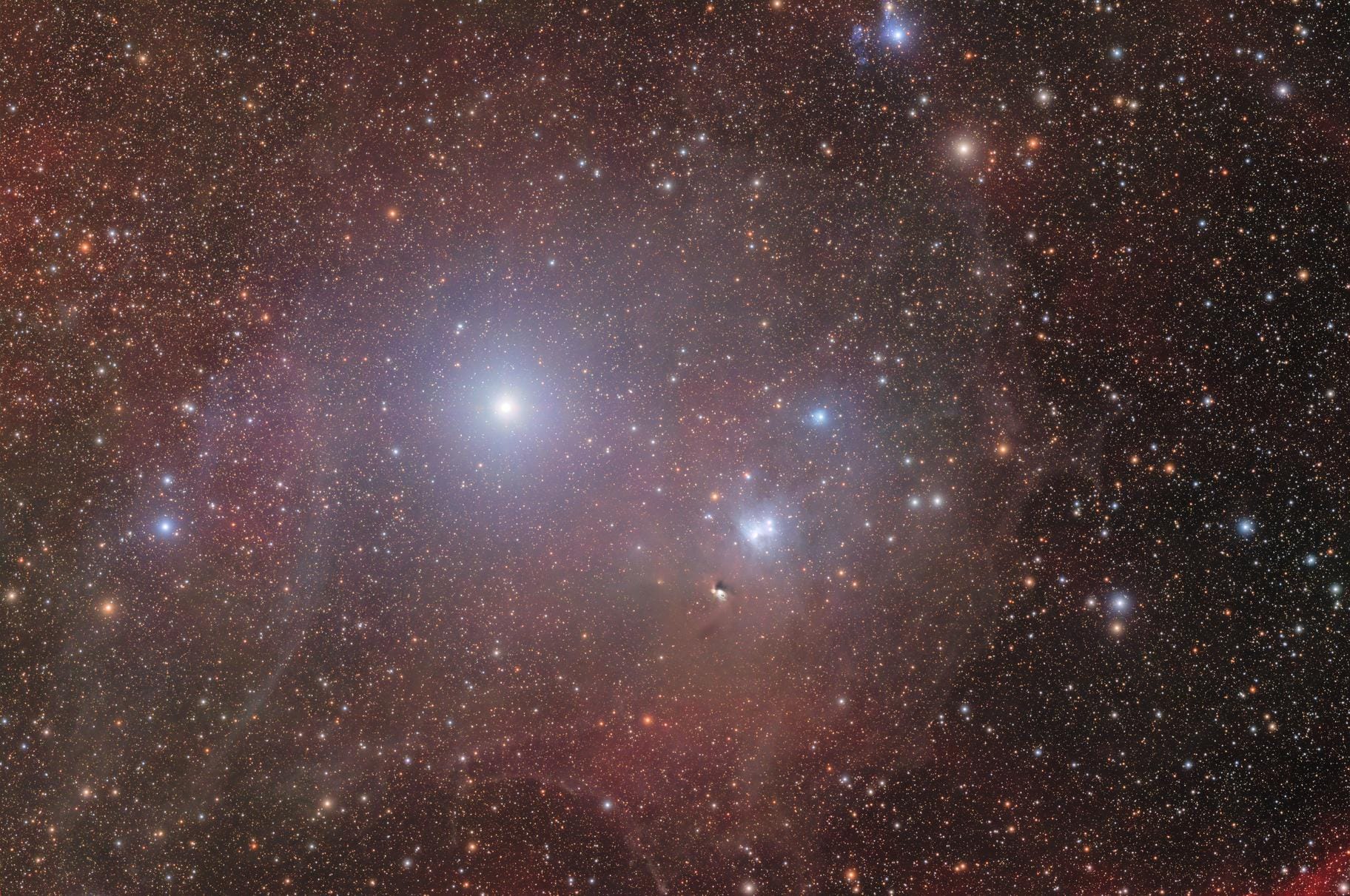
This isn't as exotic as it sounds for faint extended objects. I went through this exact sequence with what became the Blue Ghost Nebula (Burwell 1). The path from "what is that faint glow?" to confirmed discovery runs directly through the coordinate query workflow described here. When your coordinates come back empty from every major database, that's not a dead end — it's the start of a different kind of investigation.
Scaling This Across Your Whole Archive
The manual workflow above works beautifully for a single image. The problem scales with time. If you've been imaging for years, you have hundreds or thousands of processed finals — some with complete metadata, many without, and almost none with a systematic record of what else was in each field when you were pointed at your main target.
Meridian is a native macOS deep-sky imaging archive application developed by Mac Observatory, built in Swift and SwiftUI with Apple Silicon optimization, that plate-solves imported images to identify sky coordinates, links processed finals to catalog targets across 20 catalog sources, and manages a full equipment and session log. It's worth being clear about how Meridian fits relative to ASTAP and WIMI: those tools help you identify objects in a single image you're actively examining. Meridian helps you know what every image in your archive is, find images by target name, and track what you've captured across months and years of sessions. Different moment in the workflow.
Meridian Free includes the full archive scanning, catalog view, source file browser, and object name resolution. Meridian Pro adds the interactive sky map, plate solving, star extraction, and seeing analysis for a one-time $34.99 purchase. For someone building a long-term imaging archive — not just solving individual images, but maintaining a structured record of everything they've captured — the Pro tier's plate-solving integration means the identification workflow described in this guide happens automatically when you import new images.
Frequently Asked Questions
Common questions about identifying unknown objects in deep-sky images from the Mac astrophotography community.
Can I identify unknown objects in my images without PixInsight?+
What database does ASTAP use to identify faint background galaxies?+
My image won't plate solve — what should I check?+
How do I know if something I found is genuinely uncatalogued?+
What do I do if I've discovered a new object?+
Every Image in Your Archive Deserves an Answer
The workflow in this guide — ASTAP for local annotation, Astrometry.net as your blind-solve fallback, WIMI when you want everything identified in one step, SIMBAD and NED for deep catalog queries — is genuinely approachable on macOS. None of these tools require Windows. None require a mount connection. All of them work on processed finals sitting on your desktop right now.
Start with the image that made you curious enough to read this. Run it through WIMI or ASTAP. See what comes back. Most of the time you'll get a PGC number and a distance estimate and the mystery will be solved. Occasionally you won't — and that's when the workflow gets interesting.
For the full picture of what's available for Mac-based astrophotography, the Mac Astronomy Software directory covers every application in this category and gets updated as the ecosystem evolves.